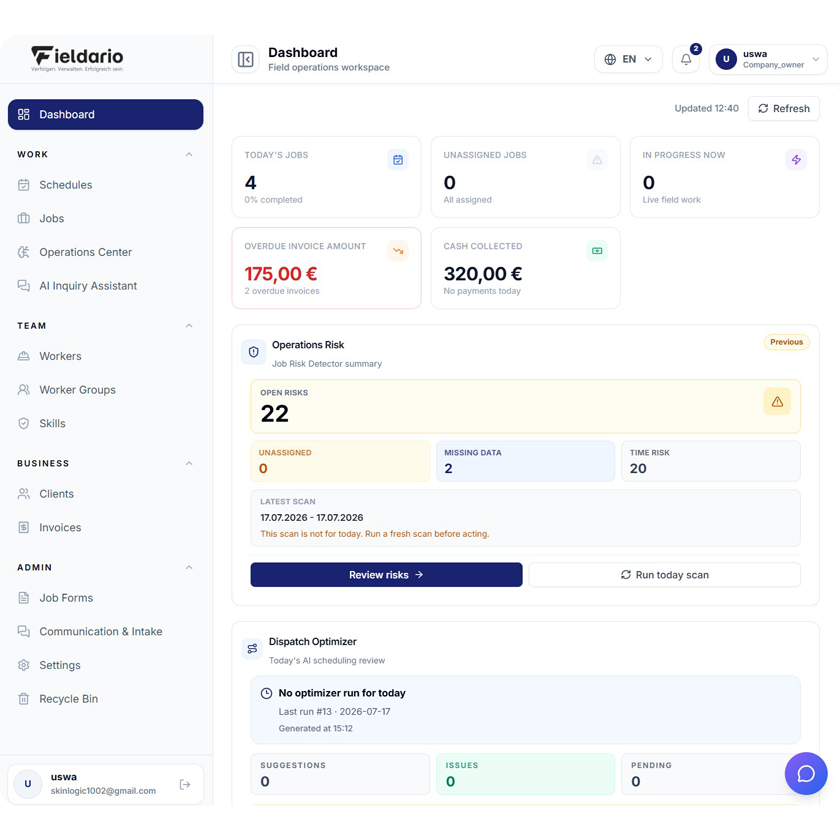
Fieldario brings the most important daily operational signals into one management view. Managers
can immediately see today’s jobs, unassigned work, active field operations, overdue invoices, and
collected payments.
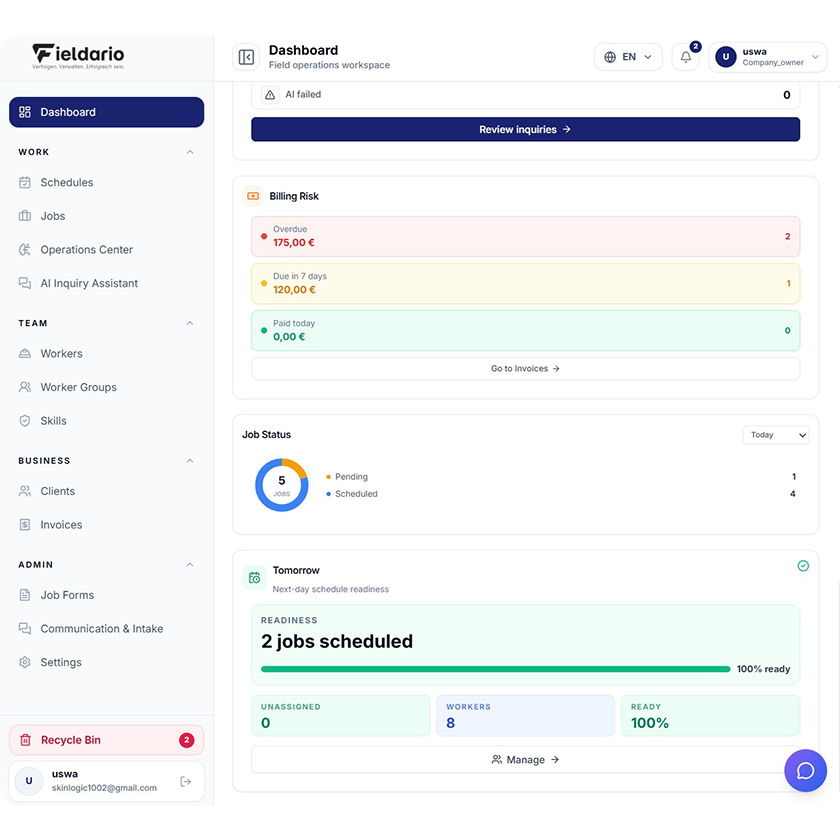
The built-in Operations Risk tool detects scheduling and timing risks, while the Dispatch Optimizer
evaluates assignments and planning conflicts. Completion Review checks finished jobs for missing
forms, blocked items, and invoice readiness before they reach billing
Operations Command Center
Fieldario brings the most important daily operational signals into one management view. Managers can immediately see today’s jobs, unassigned work, active field operations, overdue invoices, and collected payments
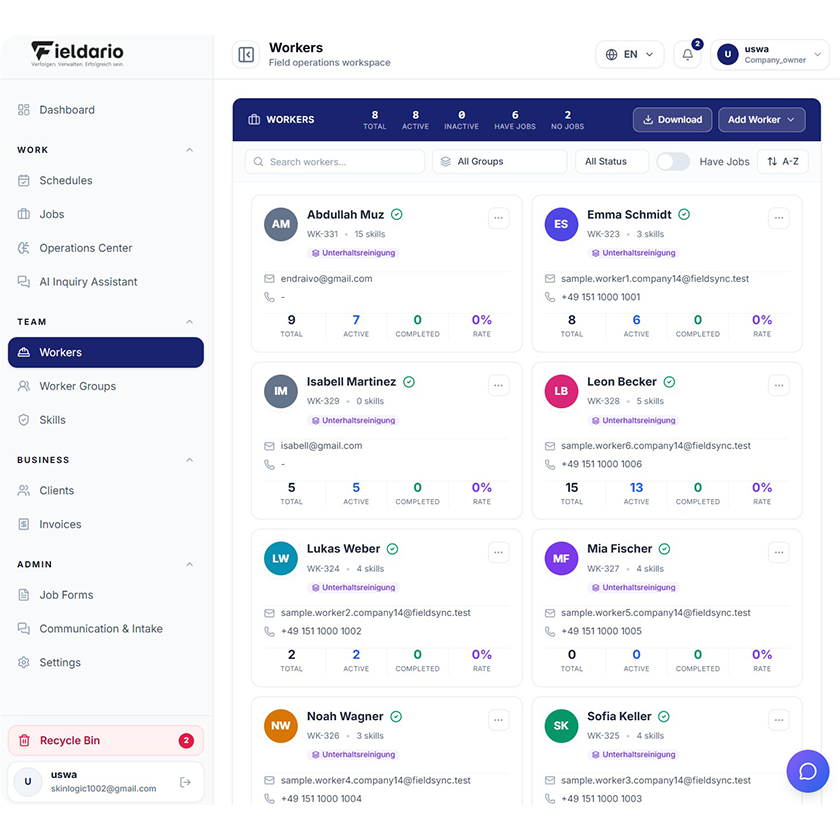
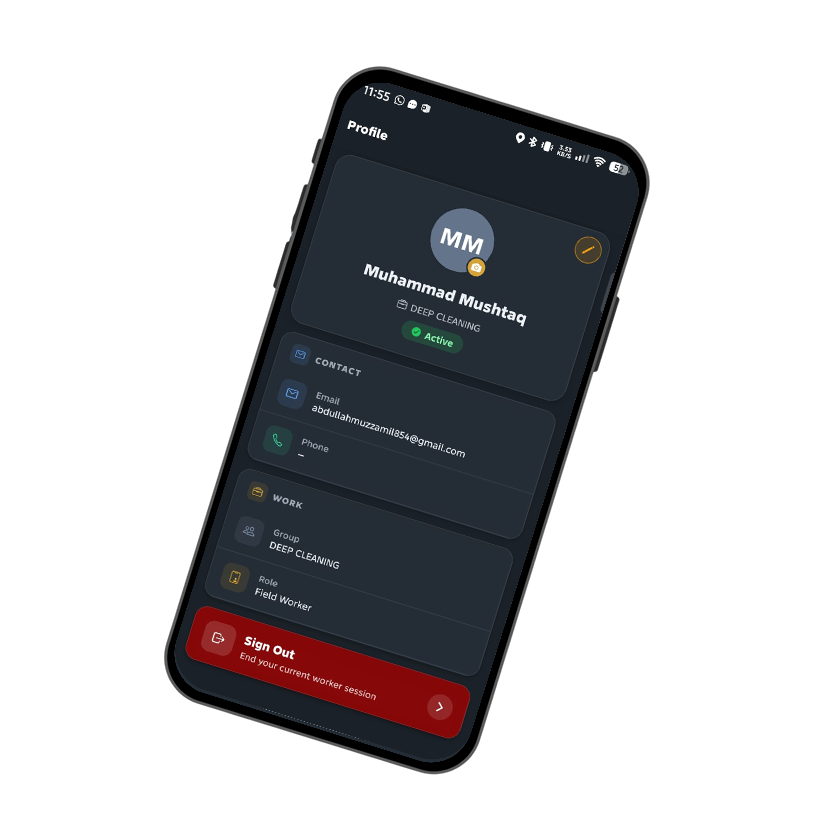
The Workers workspace centralizes employee profiles, contact details, worker groups, skills, availability, work schedules, and job activity. Managers can search, filter, sort, and review capacity across the complete field workforce.
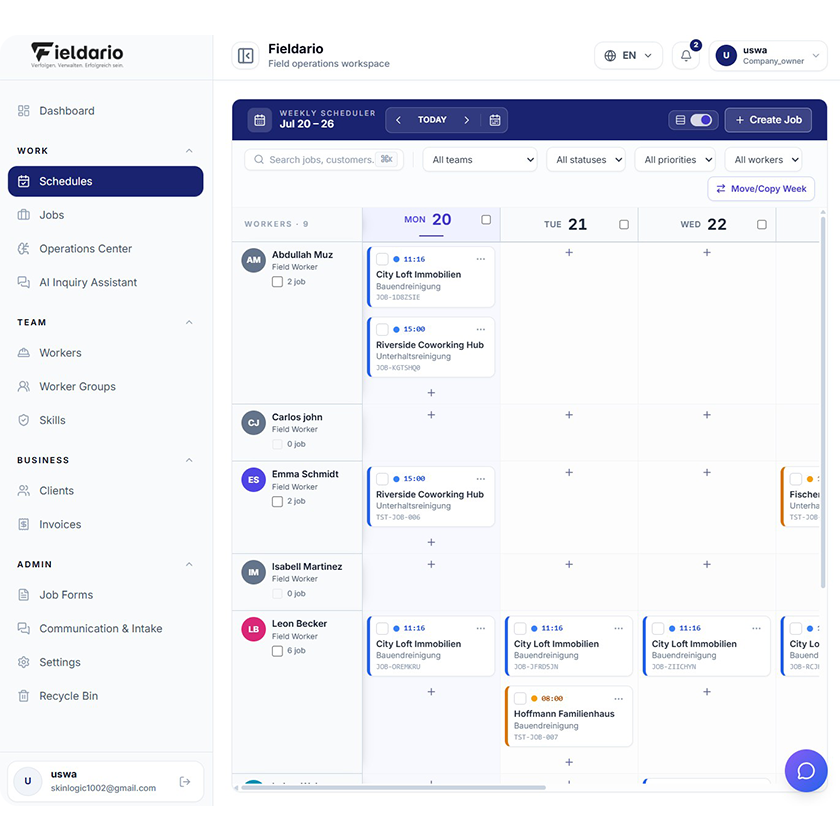
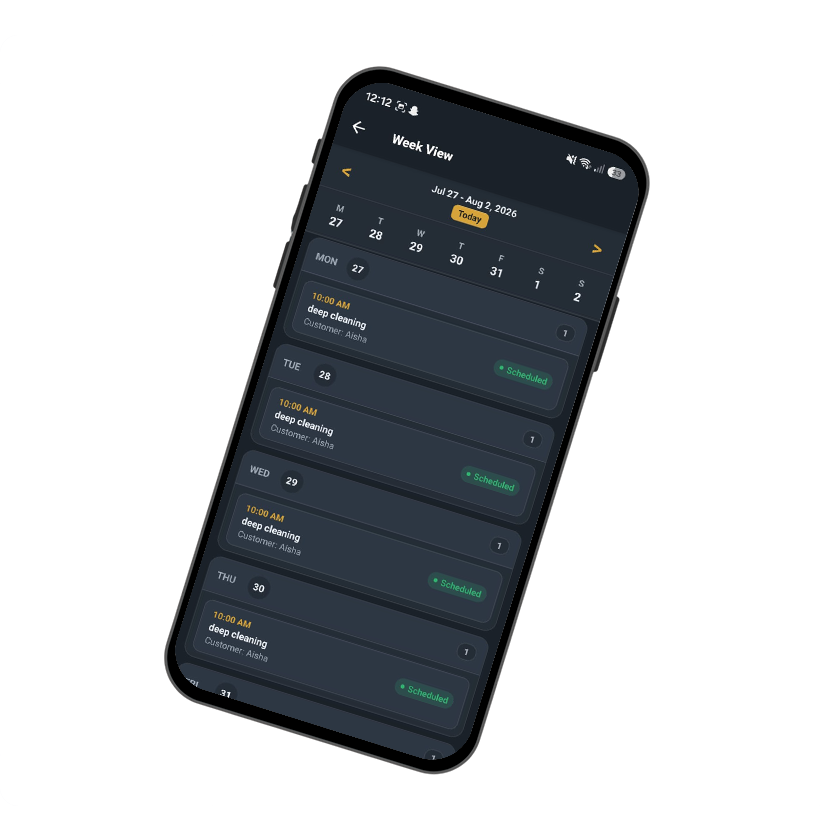
The weekly scheduler displays workers and assigned jobs in a visual planning grid. Dispatchers can understand workload distribution, available capacity, job times, and operational status without moving between separate pages
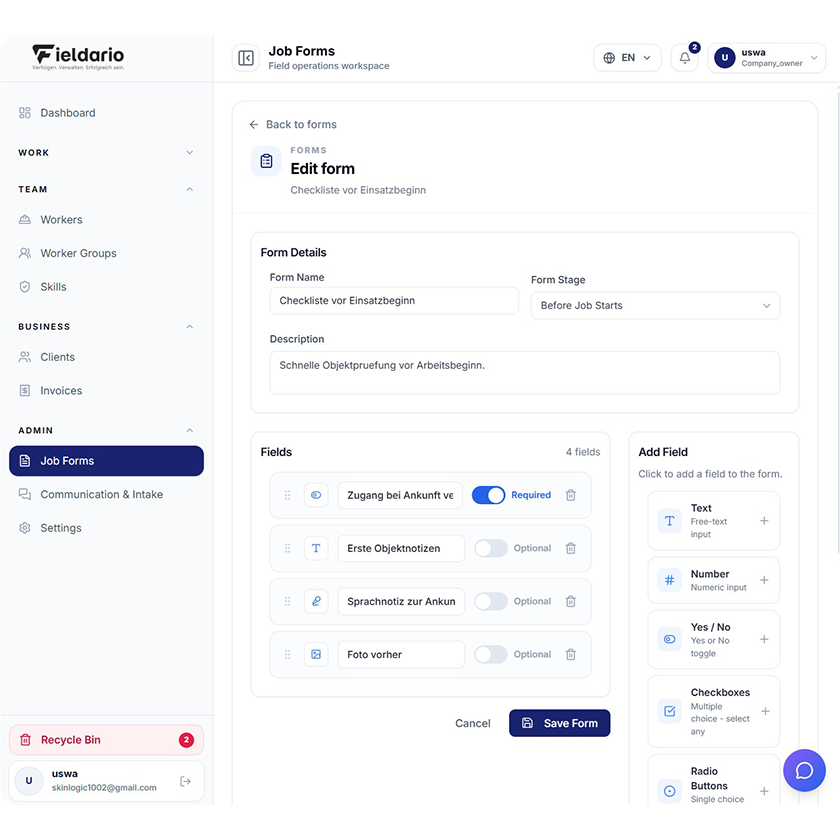
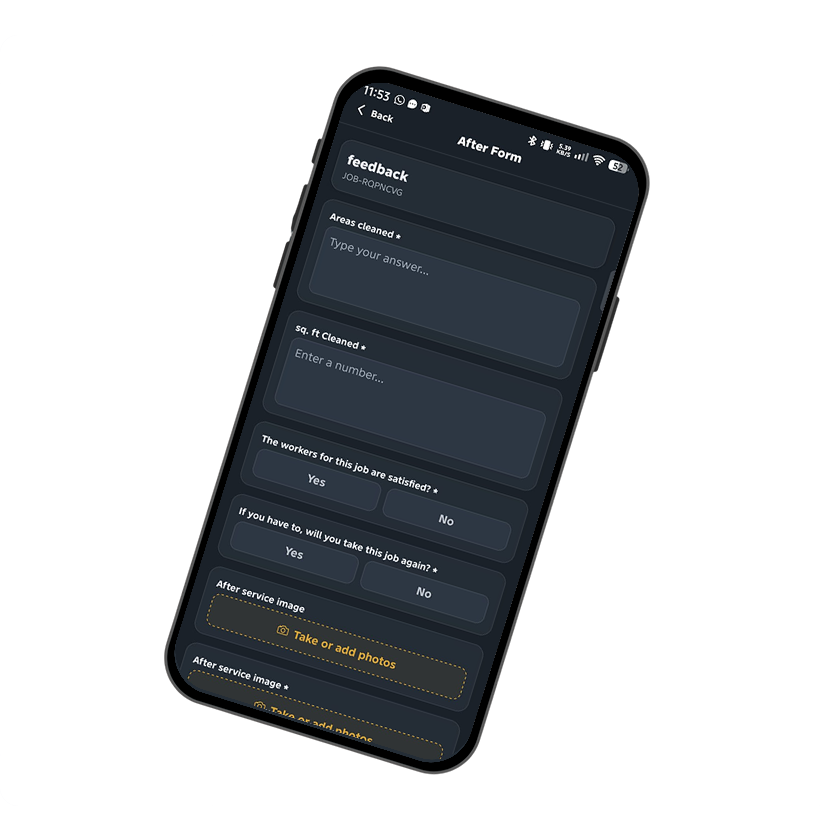
Companies can build reusable digital forms for job preparation, field documentation, quality checks, and completion approval. Forms can be assigned to specific stages, such as before work begins or after a job is completed
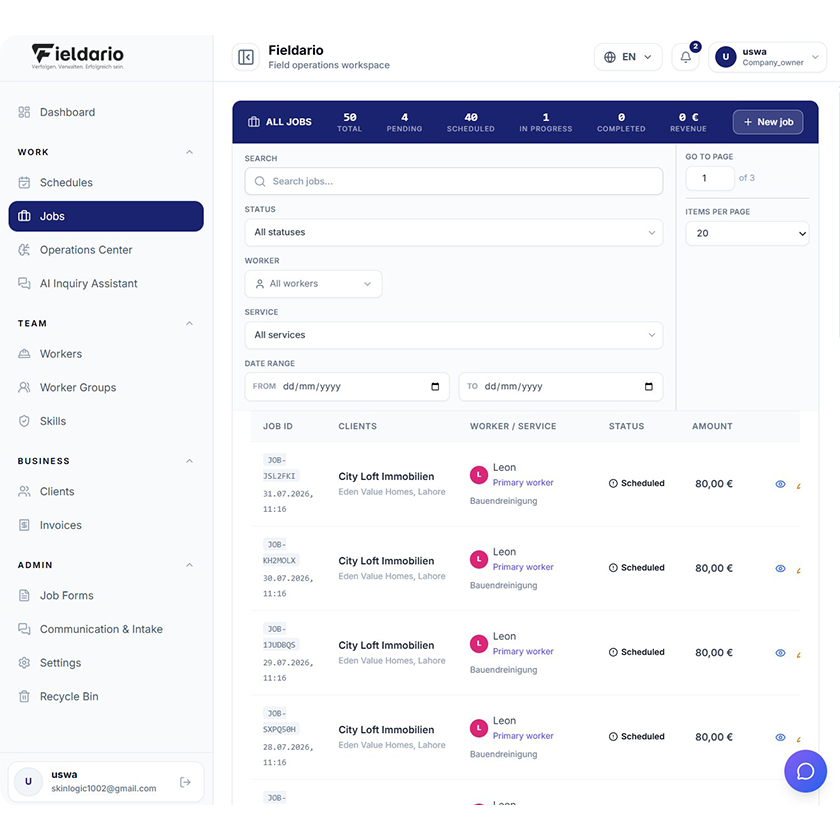
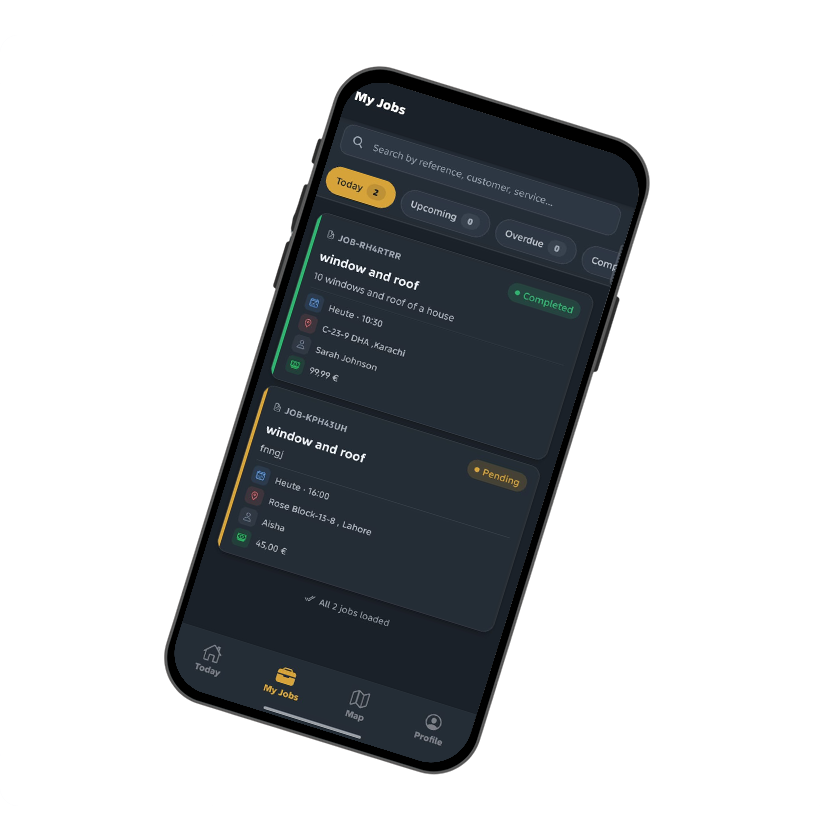
The Jobs workspace provides a structured view of every work order across the company. Users can search and filter jobs by status, worker, service, and date range while monitoring totals, progress, completion, and financial values
The Workers workspace centralizes employee profiles, contact details, worker groups, skills, availability, work schedules, and job activity. Managers can search, filter, sort, and review capacity across the complete field workforce.