
Invoice & Document Processing
Capture and check incoming invoices and receipts automatically, then pass them to your accounting.
The idea
A back office without the retyping
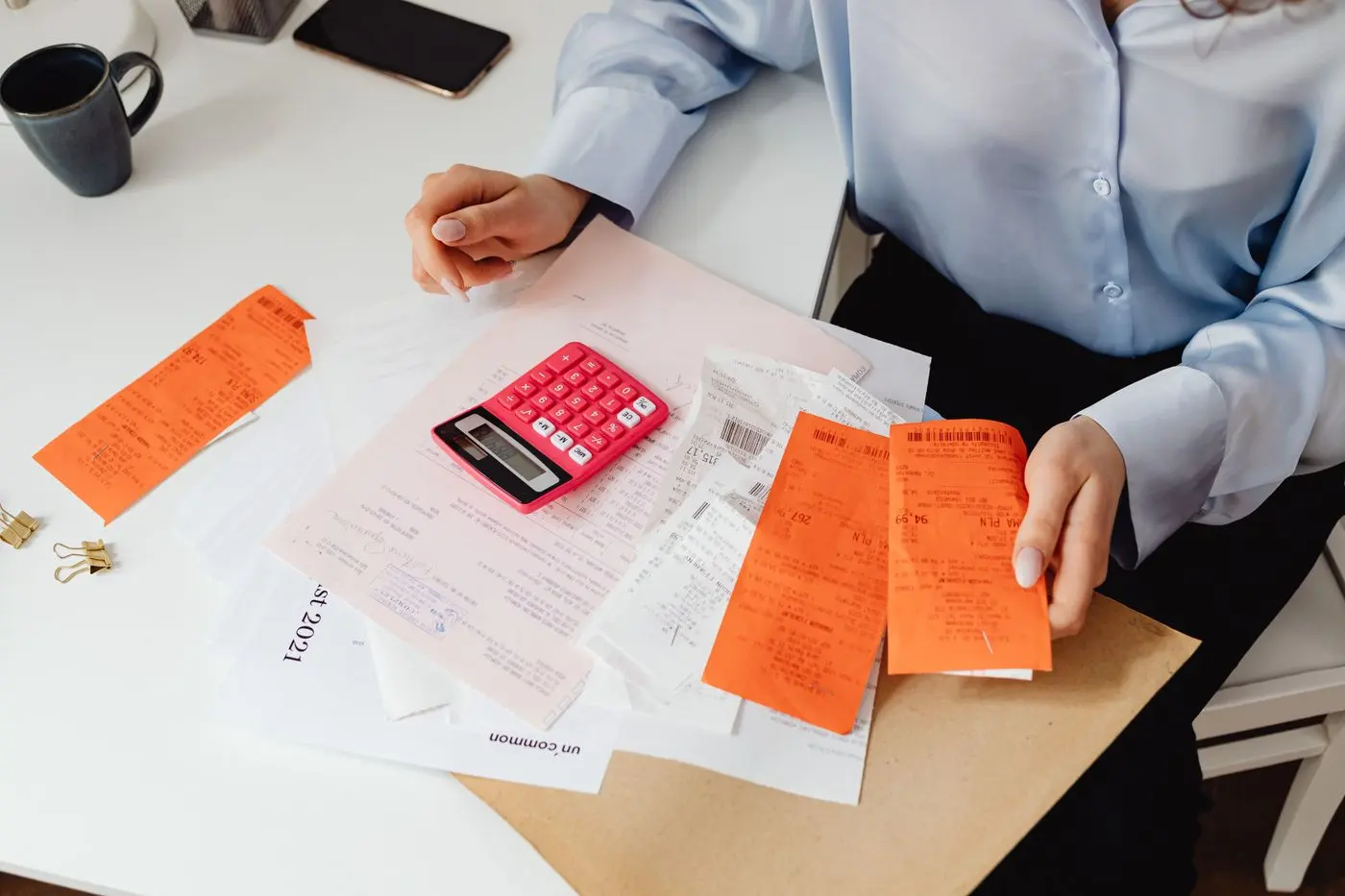
Invoices, receipts and vouchers arrive by email, scan or photo, and someone keys them in by hand. It takes time and invites mistakes. We automate the whole journey from document to booking: recognise, check, match and hand over.
If you like, we connect your accounting software or create exports in the formats you need.
Where it shines
- Picking up invoices from your inbox or an upload
- Reading the supplier, amount, date and line items
- Matching invoices to purchase orders or jobs
- Flagging duplicate or suspicious invoices
- Handing everything to your accountant or tax adviser
Why it works
Less manual work, fewer mistakes
Less hands-on work
Capture happens automatically, and your team only reviews what looks off.
Fewer errors
Built-in plausibility checks catch duplicate or suspicious invoices early.
Always current
Documents get booked faster, so your view of payments and due dates stays accurate.
How we work
From stack of receipts to clean books
- 1
Study the document flow
We look at where documents come from, who checks them and where they need to end up.
- 2
Automate the capture
We test recognition, validation rules and approvals on your real documents.
- 3
Set up the handover
We connect your accounting or set up exports, then run and fine-tune the process.
FAQ
Questions we hear a lot
Does it work with photos of receipts?
Yes, though image quality matters. We test it with your typical documents and tell you honestly how well it performs.
Does this replace my tax adviser?
No. The automation prepares the data and hands it over in a structured form. Tax decisions still rest with you and your adviser.
Which formats do you support?
We follow your accounting setup. Typical choices are CSV exports and e-invoice formats such as XRechnung and ZUGFeRD.
Next step
How many receipts are you still typing in by hand?
Tell us briefly about your situation – we will get back to you within one business day.